
Keep your folders
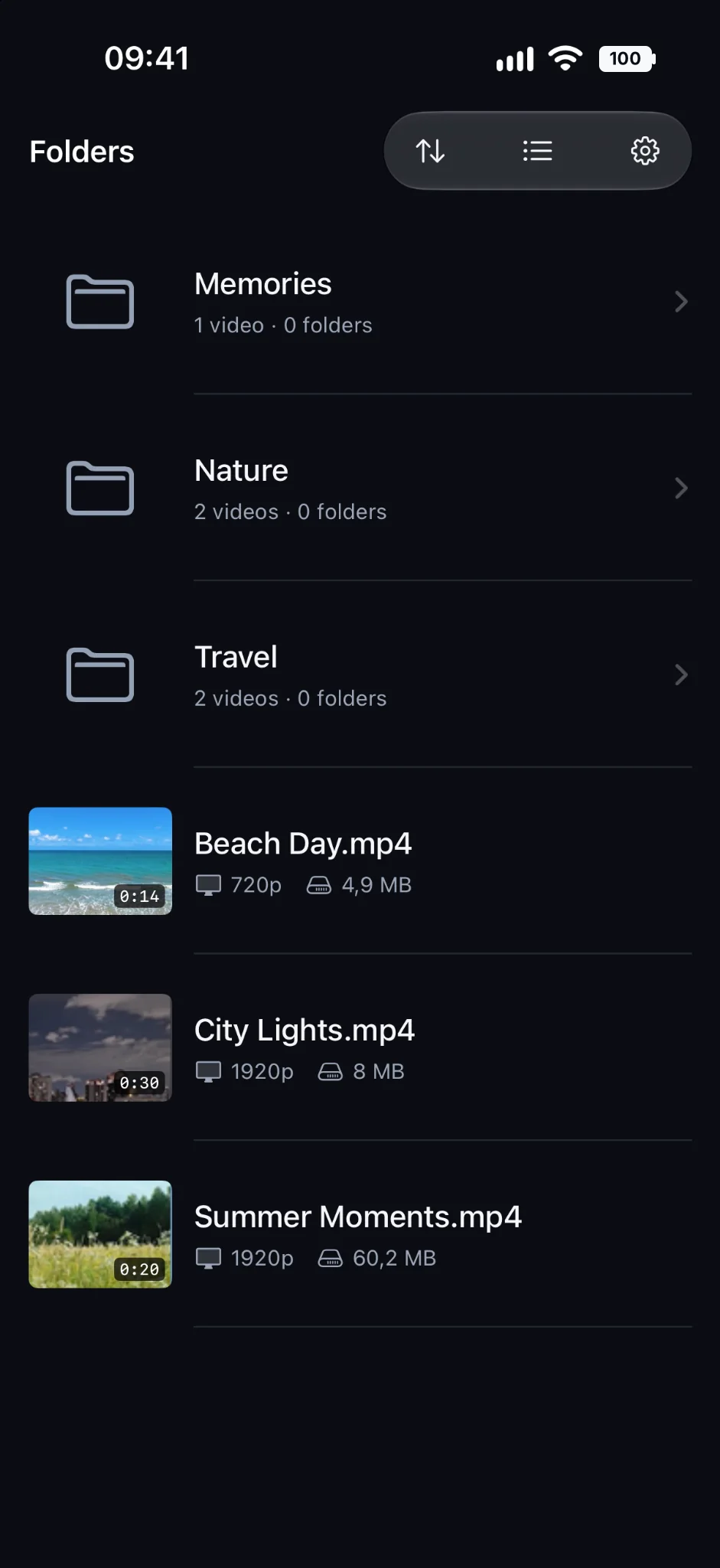
Browse your files where they already live. No reorganization needed.
OFFLINE VIDEO PLAYER FOR IPHONE & IPAD
No ads. No account. Just press play.
Play your own MP4, MOV and M4V videos. Keep your folders, open files directly, and watch offline.
SIMPLE. PRIVATE. YOURS.
One clean place for local videos, folders and subtitles.
Browse your files where they already live. No reorganization needed.
Open MP4, MOV and M4V videos directly from Files on iPhone or iPad.
Import subtitles, choose audio tracks and resume where you left off.
BUILT AROUND YOUR CONTENT
Rich previews, useful video details and multiple folder sources — without a new media catalog to manage.
QUICK START
Short guides for your own files and folders.
GOOD TO KNOW
Kinest supports compatible MP4, MOV and M4V video files. Playback depends on codecs supported by your iPhone or iPad.
Yes. Locally available videos can be played offline. Files from iCloud Drive or other cloud providers may require a connection to download or access.
No. You can open individual files directly, or add files and folders as Library sources using the native Files picker.
Kinest requires no account, and does not upload your videos or playback history to a Kinest server. See the Privacy Policy for details.
Free, privacy-focused offline video player for iPhone and iPad.
Download on theApp Store